

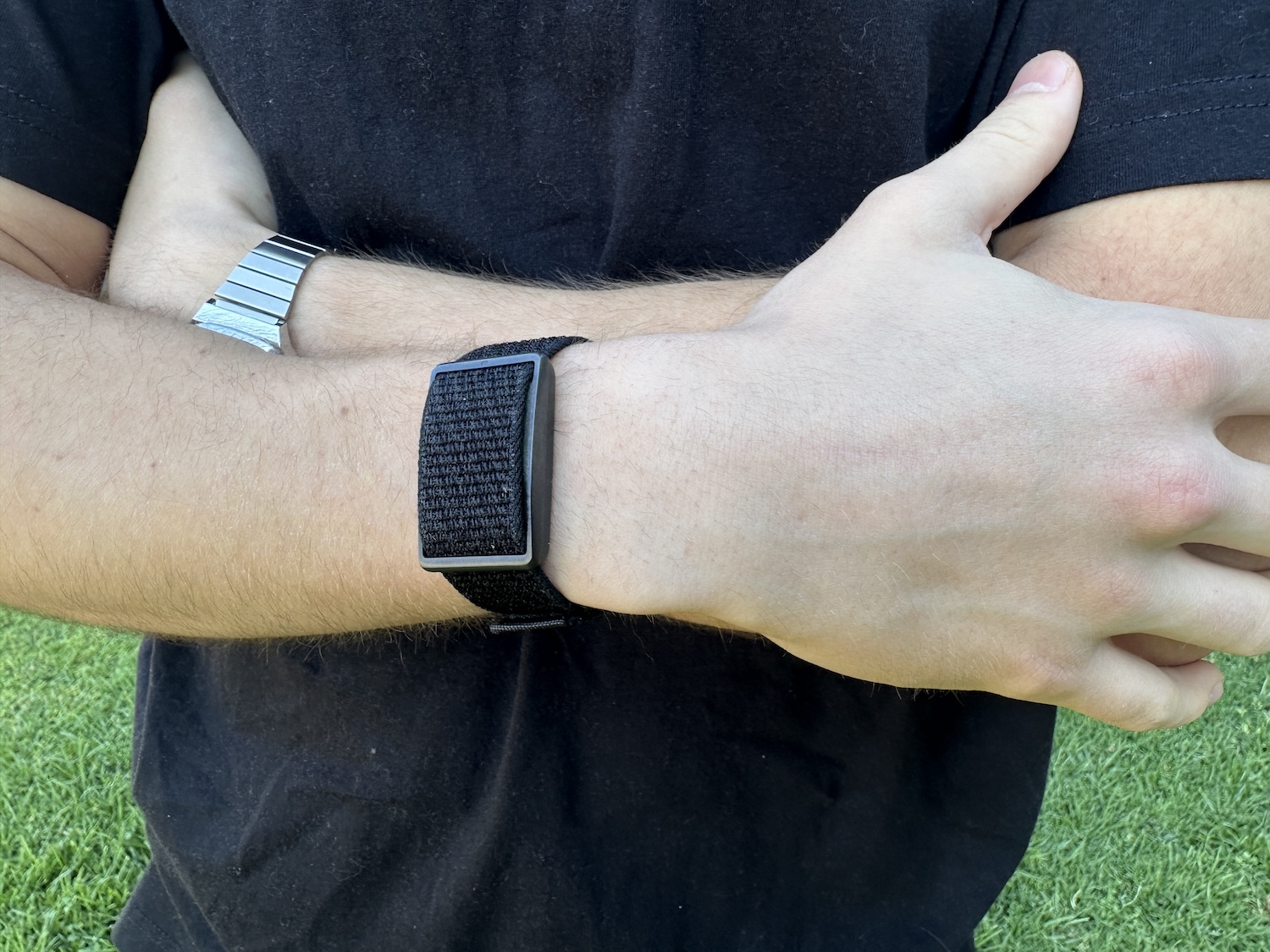
Who would want a smartwatch that doesn’t even tell the time? Screen-free health and fitness trackers have become increasingly prominent. At first, the idea seems strange, why remove one of the most useful parts of a wearable – the screen? After spending a month with the Polar Loop, however, we have started to understand the appeal. By removing the screen, Polar has created a device that quietly collects health and fitness data without competing for your attention throughout the day.
WHAT IS A SCREEN-FREE FITNESS TRACKER?
A screen-free fitness tracker is essentially a wearable that monitors your health and activity without displaying the information on your wrist. These devices use many of the same sensors found in modern smart watches, but the recorded data is viewed through a connected smartphone app.
Most are worn around the wrist, although some devices can also be worn on the upper arm. Their purpose is not to replace a traditional watch or cycling computer. Instead, they continuously collect information about your activity, heart rate, sleep and recovery in the background.
We have had the Polar Loop on test for the past month. According to our tester, here is how it performed, what it was like to live with and whether it offers anything useful to cyclists who already record their rides with a cycling computer.
AT A GLANCE
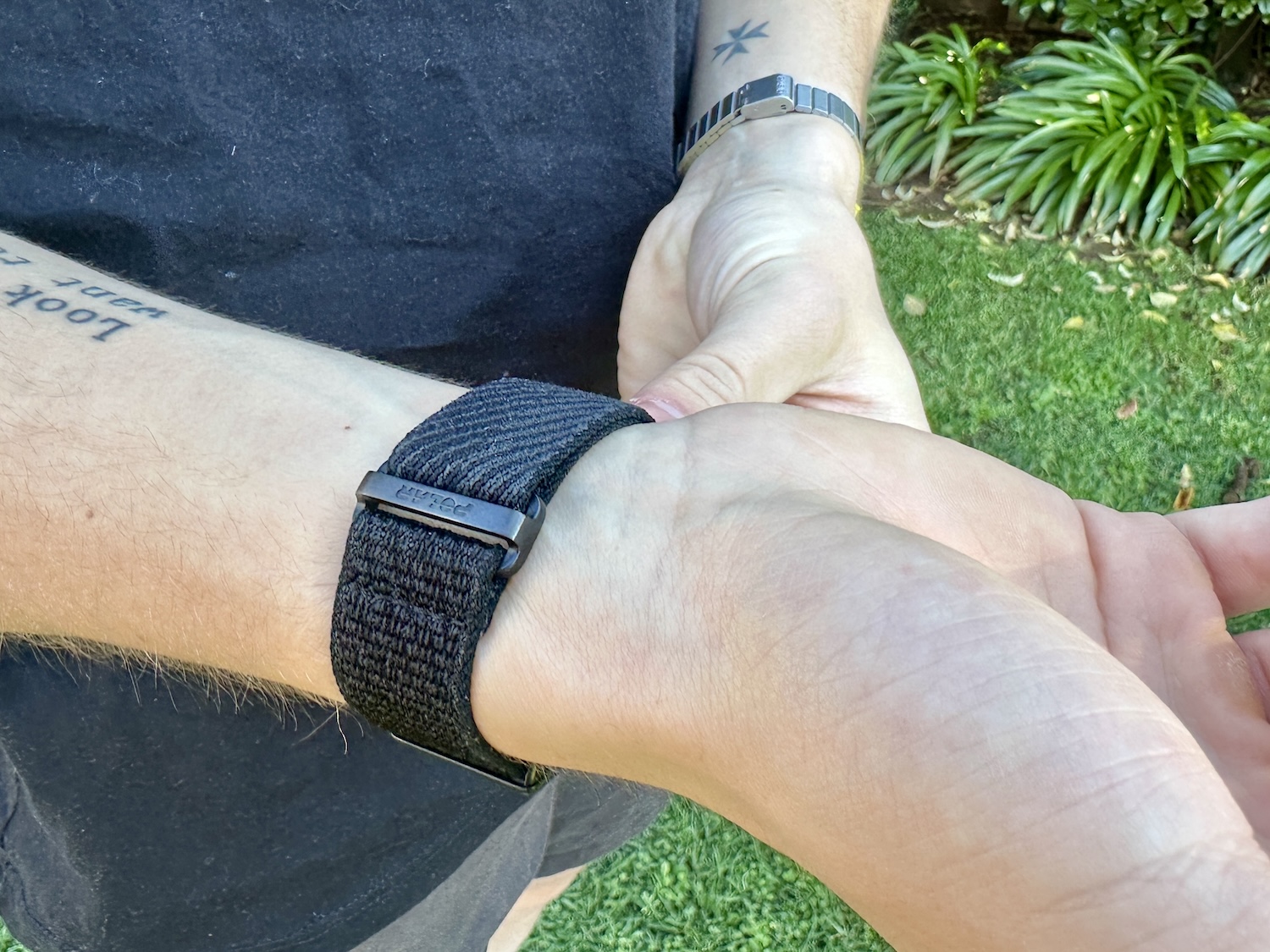
The Polar Loop is a screen-free health and fitness tracker designed to be worn throughout the day and night. With no display or buttons on the device, your data and settings are accessed through the Polar Flow app.
This minimalist design is central to the Loop’s appeal. It can monitor your activity without adding another screen, set of notifications or distraction to your day. However, it also means that you need your phone whenever you want to examine your data or adjust the device’s settings.
DESIGN AND COMFORT
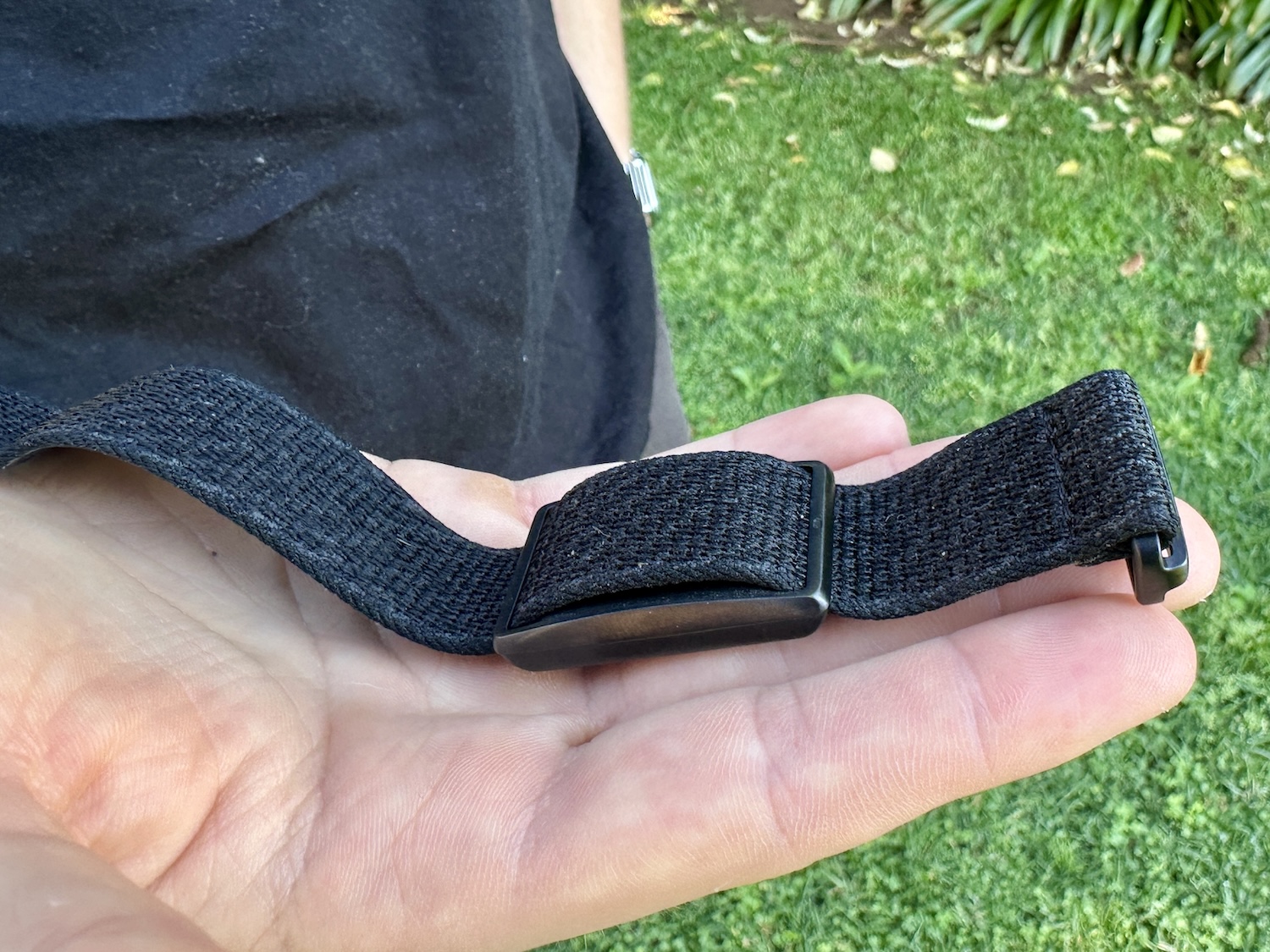
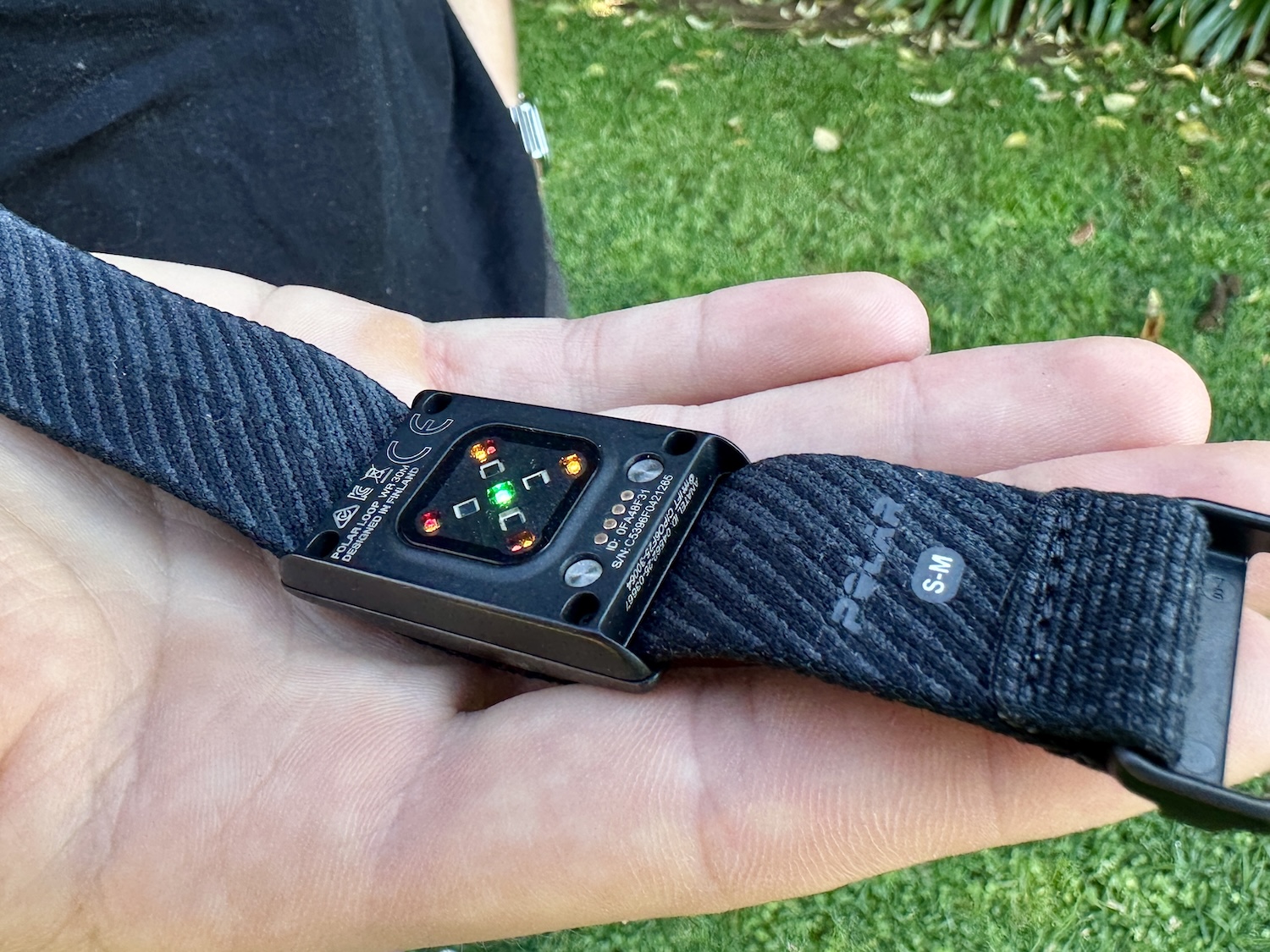
The Loop’s sensor is housed in a stainless-steel casing and attached to a durable, slightly stretchy fabric strap that Polar calls SoftWeave. This combination proved comfortable enough for continuous wear, and I hardly noticed it on my wrist while sleeping.
Two strap sizes are included in the box, allowing the Loop to accommodate a wide range of wrist sizes. The straps use a Velcro fastening system, making the fit easy to adjust throughout the day.
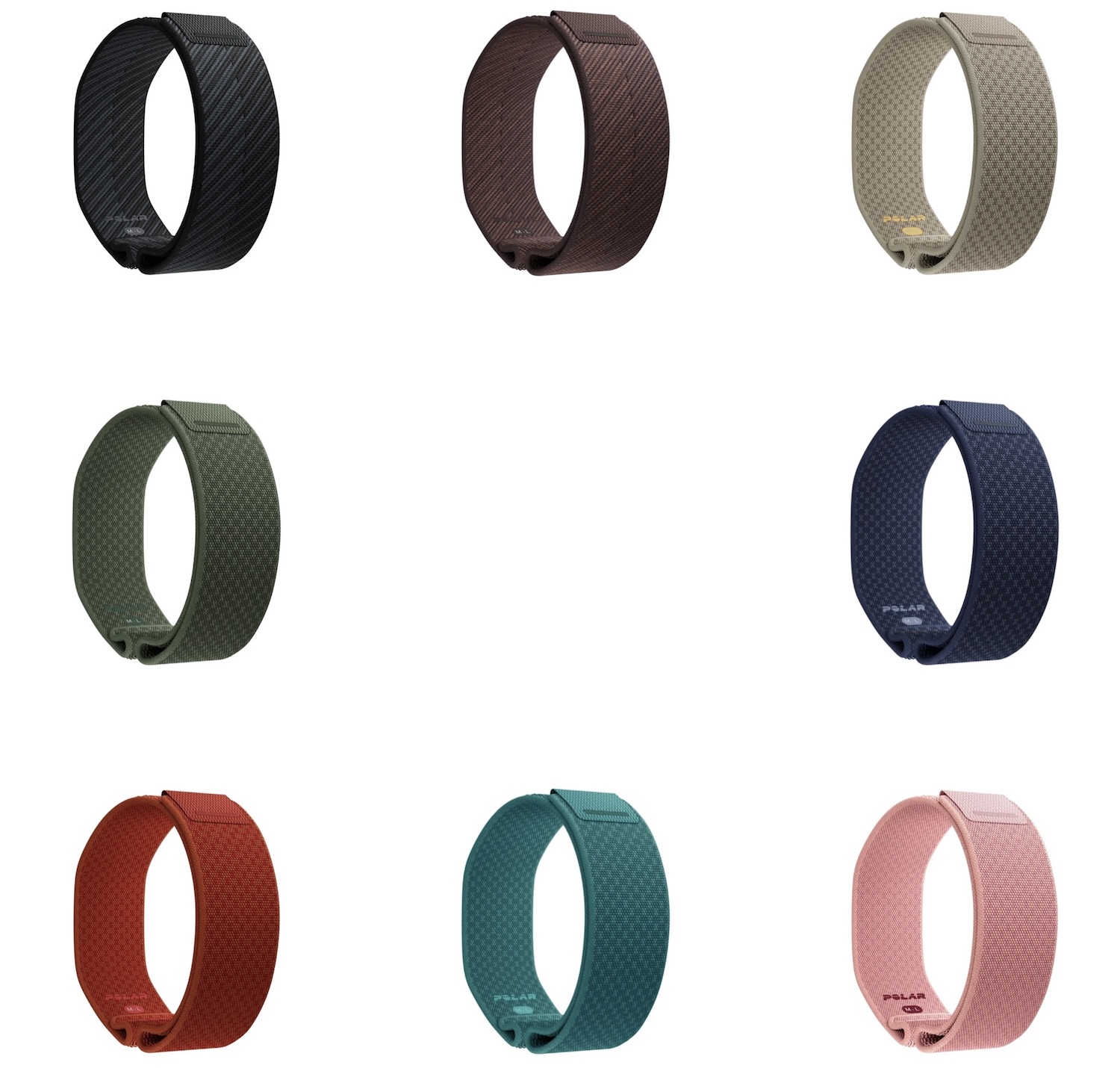
The demo unit I used had a Night Black strap. There are two other colour options (Greige Sand and Brown Copper) and should you want, there are a further five colour options at R399.00 each.
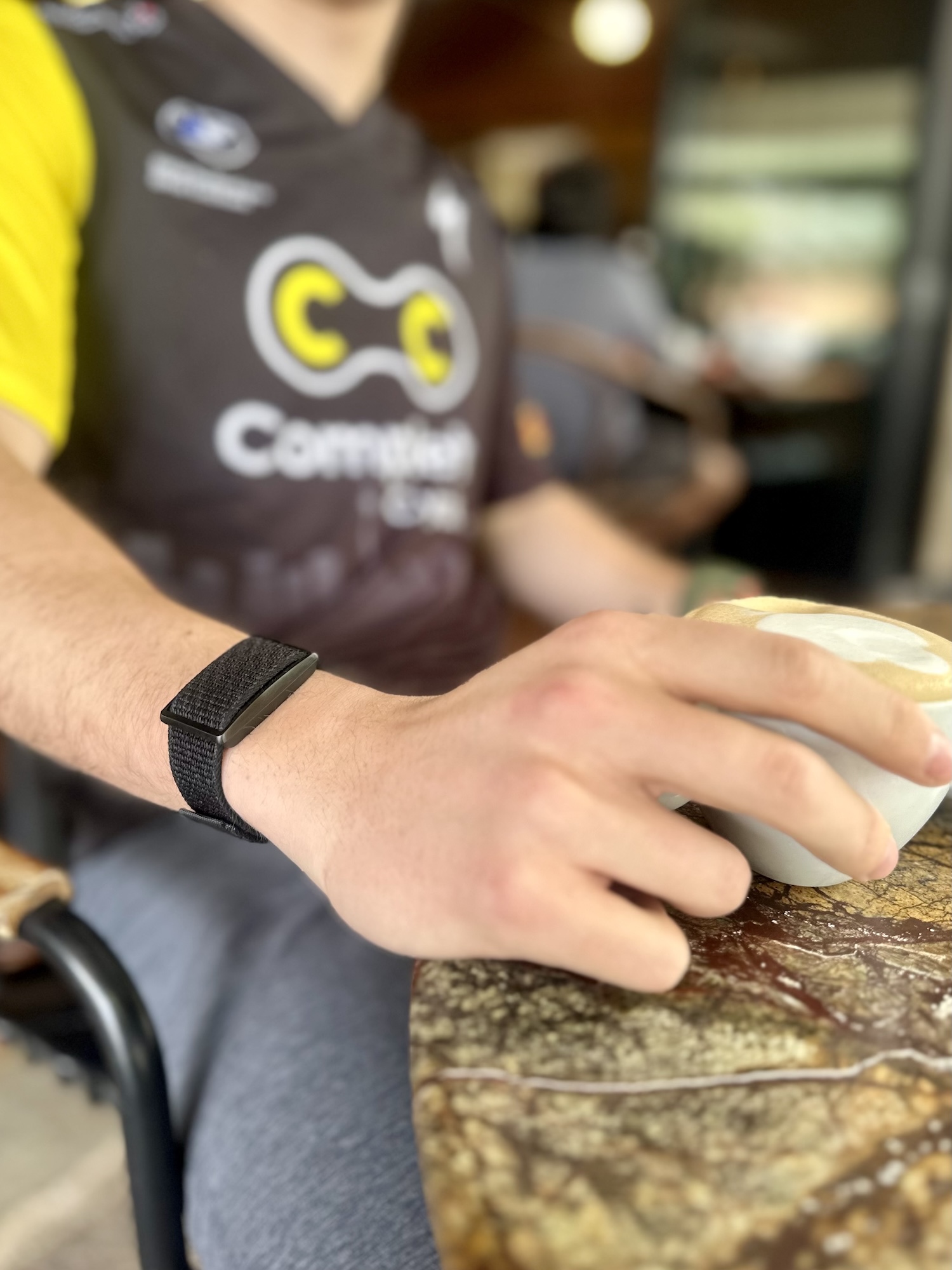
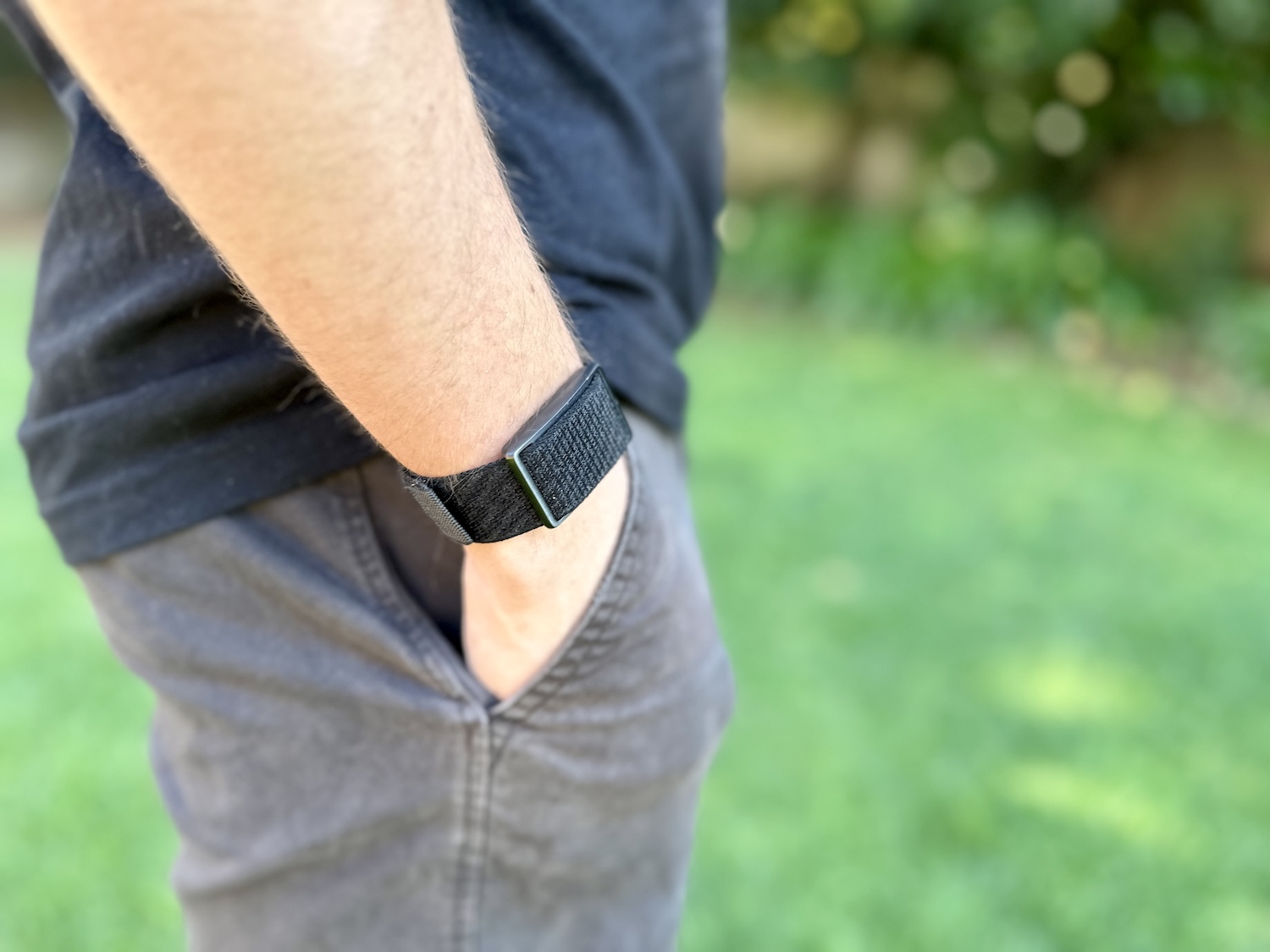
Although the tracker itself is not particularly small, its slim profile means it does not protrude far from the wrist. I never found it catching on sleeves or pockets. This was particularly helpful when riding, as bulkier smartwatches often get caught on the opening of a cycling jersey pocket when I reach behind me.
The Loop also left less of an imprint on my wrist than some of the other wrist-worn devices I have used. Combined with its low weight and flexible strap, this made it easy to wear throughout the day, during training and while sleeping.
SET-UP AND USER INTERFACE
Getting started with the Loop was straightforward. After installing the Polar Flow app on my phone, I simply followed the on-screen instructions to pair and configure the device. The entire process took less than 10 minutes.
Polar Flow is relatively easy to use, although it took me some time to learn where everything was located. Coming from the Garmin Connect app, the layout and the way information is organised, initially felt unfamiliar.
Synchronisation between the Loop and my phone was generally reliable. There were a few occasions when new data took longer than expected to appear, but I did not experience any major or persistent connection problems.
Connecting Polar Flow to third-party services was equally straightforward. I was able to link both Strava and Apple Health without difficulty. For a quick look at my sleep, heart rate and daily activity, I often preferred using Apple Health because the information I cared about was easier to locate.
I returned to Polar Flow whenever I wanted more detailed information. One feature I particularly enjoyed was SleepWise’s Boost from sleep forecast, which predicts how your recent sleep may affect your alertness at different times of the day. During my testing, these predictions often matched the periods when I felt most and least energetic.
Polar Flow also gives you access to the Loop’s more detailed sleep, recovery and training information without requiring a monthly subscription. This is an important advantage for anyone who does not want to add another recurring payment to their fitness setup.
EVERY DAY HEALTH AND SLEEP TRACKING
Sleep and heart-rate data were the measurements I checked most frequently. I used them to understand how well I was recovering after training and to look for possible reasons why I occasionally felt tired at an unusual time of day.
I found the sleep tracking impressively accurate. The Loop generally recognised when I turned off the lights and went to sleep, as well as when my alarm went off and I got out of bed. This made its sleep-duration results feel believable rather than being based purely on the amount of time I spent in bed.
The information became more valuable when combined with Polar’s sleep and recovery features. Instead of only showing how long I had slept, the app provided insight into my sleep quality, overnight recovery and expected alertness during the following day.
The Loop’s continuous heart-rate readings also appeared consistent during everyday use. To get a basic idea of its accuracy during exercise, I compared its recorded data from several rides with the readings captured by the chest-strap heart-rate monitor connected to my cycling computer.
The two sets of data generally followed the same pattern. This was not a controlled scientific test, but it gave me confidence that the Loop was producing believable information for daily health and recovery tracking.
WORKOUT TRACKING
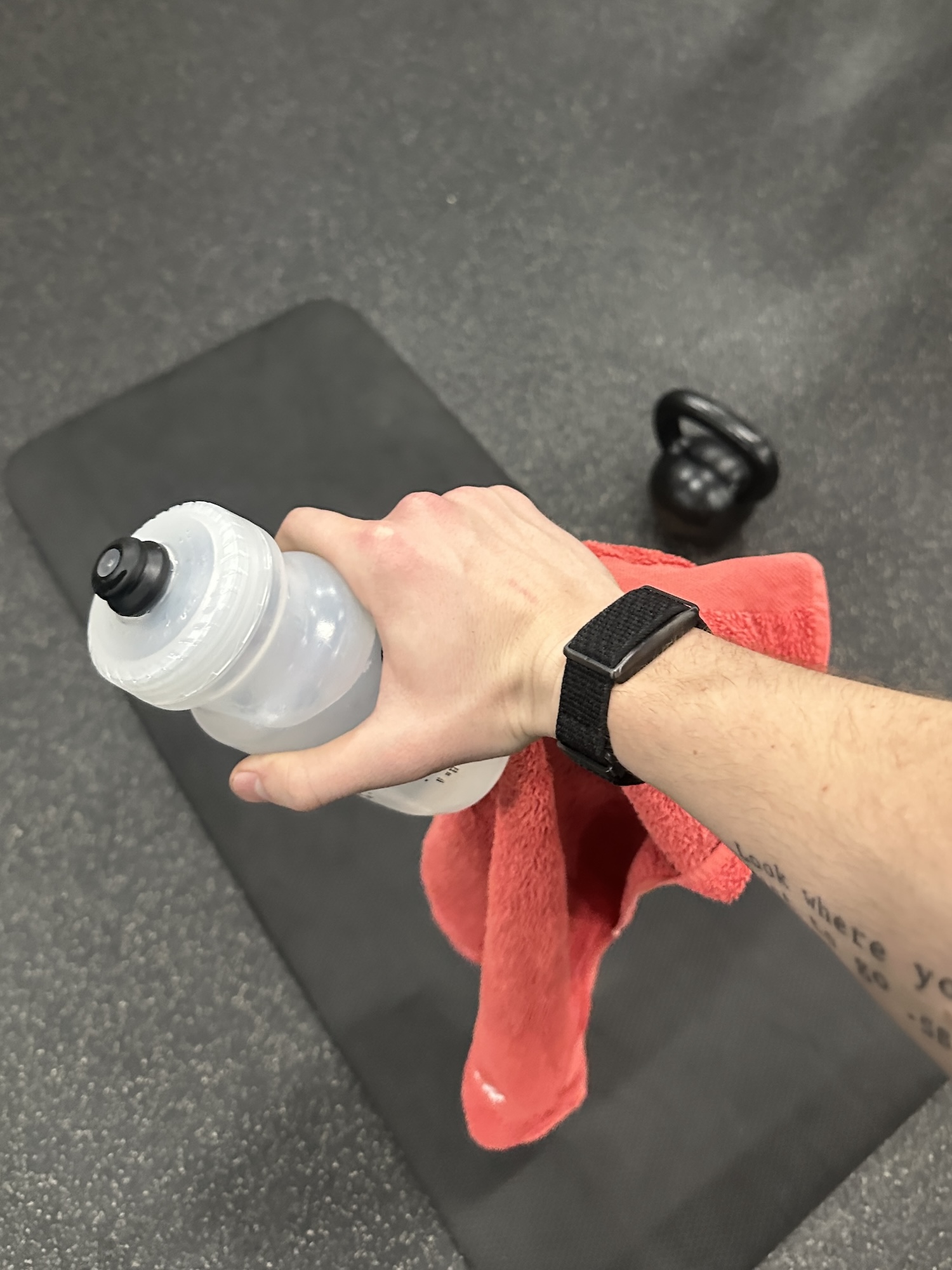
Workouts can be recorded in two ways: automatically through the Loop’s workout-detection feature or manually through the Polar Flow app.
Automatic detection uses heart rate and movement to determine when you have started and finished exercising. This worked reasonably well during more consistent activities, but it was less dependable during lower-intensity sessions.
For example, during mobility-focused workouts or the stretching period at the end of a gym session, the Loop sometimes began recording late or ended the session before I had finished. This is understandable because my heart rate and movement were lower during these portions of the workout.
The detection sensitivity can be adjusted in Polar Flow using a training-intensity slider. Lowering the threshold makes the Loop more likely to recognise lighter activity, although it may take some experimentation to find the setting that suits your training.
For workouts where an accurate start and finish time matters, you can manually begin the session through the Flow app. Outdoor activities can also use your phone’s GPS to record information such as route, speed and distance. Because the Loop does not have built-in GPS, you need to carry your phone when recording this information.
This system is less convenient than pressing a button on a sports watch, particularly if you want to begin training quickly. However, automatic detection remains useful for capturing activities that you might otherwise forget to record.
HOW IT FITS INTO A CYCLIST’S ROUTINE
The Polar Loop occupies a slightly unusual position for cyclists. It cannot replace a dedicated cycling computer because it does not have built-in GPS or provide the live ride information that cyclists expect from a head unit.
For planned rides, I continued using my Garmin Edge and chest-strap heart-rate monitor. The Loop’s role was to track what happened between those rides, including my sleep, daily activity, resting heart rate and recovery.
That is where the device makes the most sense. It is not another ride-recording tool, but a companion that provides a more complete picture of how your body is responding to training. Cyclists who only want to record distance, speed and heart rate will gain little from it. However, those interested in sleep, recovery and daily readiness may find it a useful addition to their existing setup.

BATTERY LIFE AND CHARGING
The Loop lasted approximately eight days on a full charge, matching Polar’s claimed battery life. Although I initially expected more from a screen-free device, eight days was enough to make charging an occasional task rather than a daily inconvenience.
Charging also felt relatively quick, although I did not record an exact zero-to-100% charging time. Because the Loop can track sleep and recovery continuously, I found it best to charge it during the day to avoid creating gaps in my overnight data.
SCREEN-FREE LIVING
I have worn a smartwatch for several years, so moving to a device without a display required some adjustment. During most of the test period, I wore the Loop alongside a basic digital/analogue Casio watch (on opposite wrists). This allowed me to check the time without returning to a full smartwatch.
The combination worked surprisingly well. The Loop handled my health and fitness tracking, while the conventional watch handled the time. It also gave me more flexibility in formal or social settings because I could change watches without losing my daily health data.
One habit took longer to break. Whenever I felt my phone vibrate in my pocket, I instinctively looked at my wrist to check the notification. Of course, there was nothing to see.
Once I became accustomed to that, I started to appreciate the lack of interruptions. I was less likely to become distracted by a notification and could decide when I wanted to check my phone rather than having every message immediately appear on my wrist.
There is a trade-off. You cannot quickly check your heart rate, activity progress or battery level without opening the Polar Flow app. However, that limitation is also central to the Loop’s appeal. It collects the information quietly in the background and allows you to view it when it suits you, rather than constantly competing for your attention.
THE VERDICT
After a month with the Polar Loop, I understand why someone would choose a wearable that cannot tell the time. Its value lies not in replacing a watch or cycling computer, but in quietly tracking your health while cutting out the distractions associated with a conventional smartwatch.
Its strongest features are its comfortable design, sleep tracking and daily energy insights. Its main limitation is workout recording: without a button or display, manually starting a session requires the Polar Flow app, while automatic detection may miss parts of lower-intensity workouts.
For cyclists who already use a cycling computer, the Loop is best viewed as a companion rather than a replacement. It tracks the hours between rides and helps connect training with sleep, activity and recovery. Its discreet appearance also makes it easier to wear alongside a conventional watch or with more formal clothing.
I will most likely add the Loop to my own daily setup and wear it alongside a slim, durable Casio. That combination gives me the health information I value without requiring me to wear a smartwatch or carry another screen on my wrist. For my needs, that may be the Loop’s biggest success.
STANDARD COLOURS: Greige Sand; Night Black (tested); Brown Copper
ADDITIONAL BAND COLOURS: Soft Pink; Nordic Teal; Ocean Blue; Orange Flame; Forest Green (R399.00 each).
TOTAL WEIGHT: 29g
PRICE: R3 999.00

